
As companies grow, they rarely rely on one application. Sales, finance, support, operations, and marketing each add tools that solve a specific problem. The challenge is not having software—it is making software work together. API integrations for business connect those systems so data and workflows move reliably instead of getting stuck in manual handoffs.
Introduction
Why do integrations matter now? Because growth increases volume, teams, and customer expectations at the same time. Copying information between apps might work for a few people, but it does not scale. Connected systems reduce delays, errors, and blind spots—and they create a foundation for automation and better decisions.
What is an API integration?
An API (Application Programming Interface) is a structured way for one system to request or send data to another. In plain terms, it is how software talks to software.
An API integration connects two or more business applications so they can:
- Share customer, order, or account information
- Trigger actions when something changes in another system
- Keep records synchronized without duplicate entry
- Pass data into reporting or operational dashboards
You do not need to memorize technical terms to benefit from integrations. What matters is that information flows where your teams need it, when they need it.
Why do disconnected systems slow businesses down?
When tools do not communicate, friction shows up quickly:
- Teams re-enter the same data in multiple places
- Status updates lag because no system has the full picture
- Customer-facing staff lack context from billing, support, or fulfillment
- Leaders spend time reconciling numbers instead of acting on them
- Automation stops at product boundaries
These delays are often invisible in software budgets but visible in daily operations. Business software integrations remove repeated manual bridges between apps.
What are common signs your business needs better integrations?
Look for patterns like these:
- Spreadsheets used as the “source of truth” between departments
- Email or chat used to notify other teams about system updates
- Frequent errors from outdated or mismatched records
- Long onboarding for new staff because processes span many tools
- Inability to automate workflows that cross more than one application
If several signs appear together, integration work is usually worth evaluating before adding more subscriptions.
What business systems can be connected?
Most growing companies can connect systems such as:
- CRM and sales tools with marketing or lead routing platforms
- Billing and payment systems with accounting and customer records
- Support desks with account data and internal task tools
- E-commerce or booking platforms with inventory, scheduling, or fulfillment
- Internal dashboards pulling from multiple SaaS and database sources
- Automation platforms orchestrating steps across services
SaaS API integration often starts with high-impact connections—where manual work is heaviest—then expands as operations mature.
How do API integrations support automation?
Automation depends on reliable data and triggers. Integrations provide both.
Examples include:
- Creating a support ticket when a payment fails
- Updating a CRM record when a form is submitted on your website
- Syncing product or inventory data between storefront and warehouse tools
- Starting an approval workflow when a new contract is signed
Workflow automation integrations work best when each step has clear inputs, outputs, and error handling. APIs make those steps repeatable instead of dependent on someone checking three apps.
How do integrations improve reporting and visibility?
Reporting breaks down when metrics live in separate silos. Integrations help teams:
- Consolidate operational data into one view
- Track customer journeys across sales, support, and billing
- Monitor KPIs with fresher data and fewer manual exports
- Identify bottlenecks with connected timestamps and statuses
Better visibility supports faster decisions—not because dashboards look impressive, but because numbers align across the business.
When are off-the-shelf connectors not enough?
Many SaaS products include native connectors or marketplace plugins. Those are useful starting points, but limits appear when:
- Your workflow requires custom fields, rules, or approval paths
- You need bi-directional sync with conflict handling
- Multiple internal systems must connect in one orchestrated flow
- Security, logging, or data retention requirements exceed default options
- Legacy or internal tools lack prebuilt integrations
In those cases, custom API development and tailored integration design become the practical path.
When should a company invest in custom API integrations?
Custom integration work is often justified when:
- Manual data transfer consumes meaningful team time each week
- Customer experience suffers from delayed or inconsistent information
- Growth plans depend on new products, regions, or channels
- Compliance or audit needs require traceable data movement
- Off-the-shelf connectors cannot model your process accurately
Investment should follow business impact: start with integrations that remove the most friction or unlock the next operational milestone.
What should businesses consider before building integrations?
Before starting a project, clarify:
- Which systems must connect first, and which can wait
- What data is authoritative for each entity (customer, order, invoice)
- How errors, retries, and monitoring will be handled
- Who owns maintenance when APIs or vendors change
- What security and access controls are required
A phased roadmap reduces risk and delivers value earlier.
How Novapro Lab approaches API integration projects
Novapro Lab designs and builds production-grade platforms, SaaS products, internal tools, automation systems, and API integration services for growing businesses. Our integration work typically includes:
- Mapping current data flows and manual handoffs
- Defining integration scope, priorities, and success metrics
- Building reliable connectors with logging and fallback behavior
- Connecting automation, reporting, and operational dashboards where needed
We focus on integrations teams can trust in daily operations—not fragile scripts that break quietly.
Final thoughts
Growth adds tools faster than teams can manually connect them. API integrations for business turn a collection of apps into a coordinated operation: less duplicate work, clearer reporting, and stronger automation. The right integration strategy grows with the company instead of forcing workarounds.
If disconnected systems are slowing your team down, start with the handoffs that hurt most and define what “connected” should look like for your operations.
Ready to connect your business systems? Schedule a consultation with Novapro Lab to review your tools, data flows, and integration priorities.
Need a software system like this?
Related articles
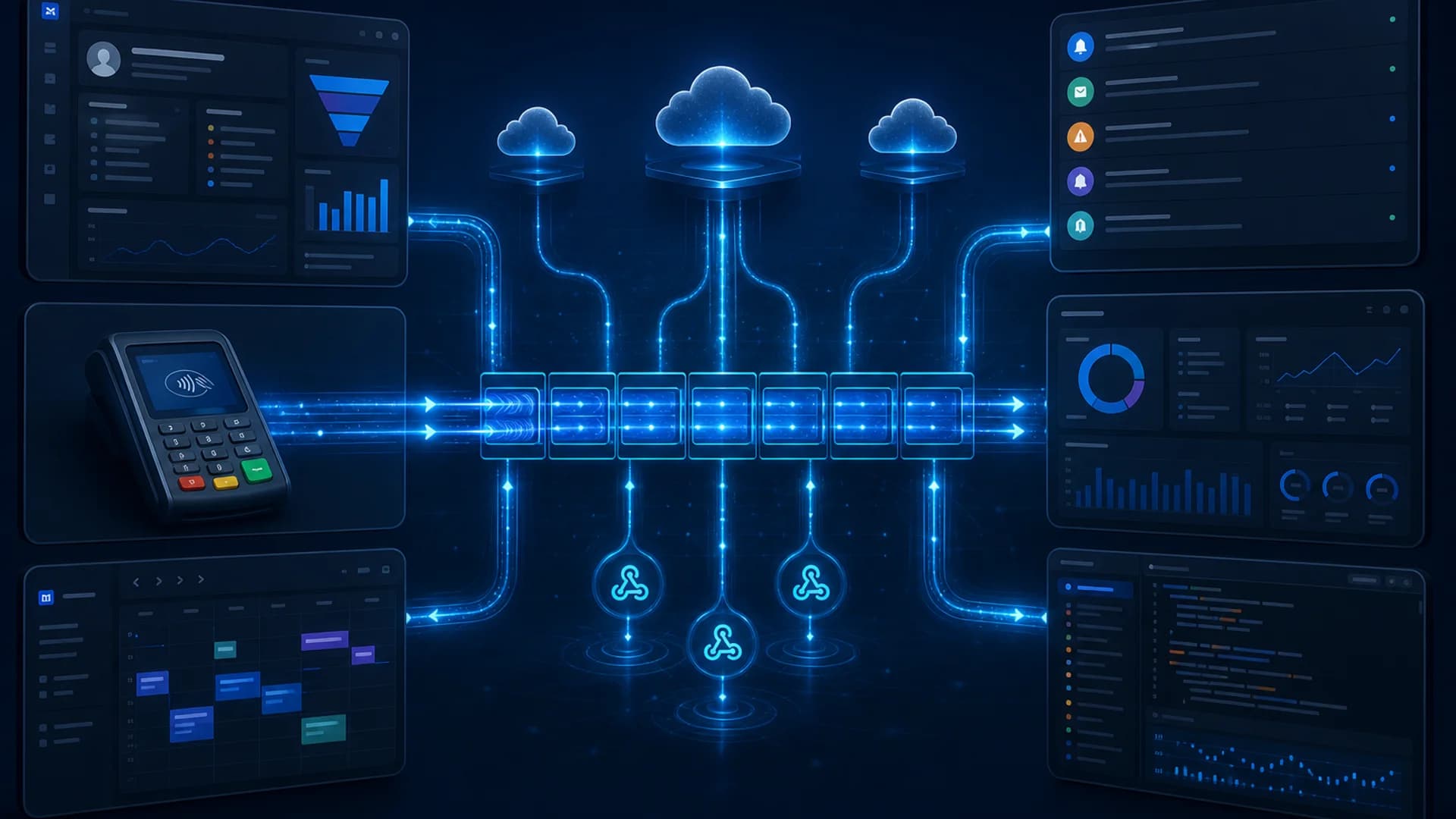
Event-Driven Architecture for Business Automation: How Webhooks, Queues, and Real-Time Workflows Keep Systems in Sync
Event-driven architecture helps businesses connect SaaS tools, APIs, and internal systems through webhooks, message queues, and asynchronous workflows, so data moves in near real time without fragile manual handoffs.

Custom Software vs Off-the-Shelf Tools: When Businesses Need a Tailored Platform
Generic tools can help a business start, but growing companies often need custom software to connect operations, automate workflows, and scale with control.

Model Context Protocol (MCP) for Enterprise AI: How to Connect AI Agents to Business Systems Safely
Model Context Protocol (MCP) gives businesses a standardized way to connect AI agents to CRM, ERP, and internal tools—but production use requires governance, least privilege, and clear security controls.