
Many businesses begin with off-the-shelf apps because they are fast to adopt and easy to budget. That works—until operations grow across teams, tools, and customer expectations. Custom software development for business becomes relevant when generic products no longer match how the company actually works.
Introduction
Should you keep adding subscriptions, or invest in a platform built around your operations? The answer depends on complexity, growth plans, and how much control you need over workflows, data, and integrations. This article compares off-the-shelf software alternatives with tailored platforms and helps you decide when custom development is the practical next step.
What is off-the-shelf software?
Off-the-shelf software is a product sold to many customers with shared features, pricing tiers, and a standard user experience. Examples include CRMs, accounting tools, project managers, and industry SaaS products.
These tools are designed for broad markets. They ship quickly, receive regular updates, and often include integrations with popular services. For many early-stage needs, that is enough.
What is custom software?
Custom software is built for one organization—or a defined product the organization owns. It reflects specific workflows, roles, permissions, reporting needs, and integration requirements.
A business software platform built custom can take the form of:
- An internal operations system
- A customer-facing SaaS product
- A portal connecting clients, staff, and partners
- A layer that connects existing tools through APIs and automation
Custom SaaS development is not always “replace everything.” Often it means building the missing connective layer that generic tools cannot provide.
When are generic tools enough?
Generic tools are a strong fit when:
- Processes are simple and similar to how the product was designed
- One or two apps cover most daily work
- Reporting needs are standard
- The team is small and can adapt to product defaults
- Budget and timeline favor speed over customization
In this stage, buying software is usually faster and lower risk than building.
When does a business start outgrowing generic tools?
Companies often outgrow off-the-shelf tools when they notice patterns like these:
- Teams copy data between systems every day
- Workarounds live in spreadsheets, email threads, and chat messages
- Permissions and approvals do not match real responsibilities
- Customer or partner workflows need a branded, controlled experience
- Leadership cannot get reliable operational reports without manual assembly
- Product plans require features that no subscription tool offers cleanly
These signals do not mean every tool must be replaced. They often mean the business needs a scalable software system that connects what already exists.
Why do disconnected tools create operational friction?
When systems do not share data or logic, friction shows up in predictable ways:
- Duplicate entry increases errors and slows teams down
- Status updates lag because information lives in silos
- Customer-facing teams lack a single view of account history
- Finance, operations, and sales report different numbers
- Automation stops at product boundaries
Over time, the cost of manual coordination can exceed the cost of building software designed for the company’s actual process.
What can a custom software platform connect?
A tailored platform can unify areas that generic tools handle separately, such as:
- Customer and account data across sales, support, and billing
- Operational workflows from intake through delivery
- Internal requests with approvals, assignments, and status tracking
- Partner or vendor portals with controlled access
- Reporting layers that pull from multiple sources through API integration services
The goal is not complexity for its own sake. The goal is a coherent internal business tool that matches how teams deliver value.
How does custom software support automation and reporting?
Custom platforms can support workflow automation software patterns that fit the business, including:
- Triggering tasks when records change or thresholds are met
- Routing work to the right role based on rules you define
- Syncing data between internal systems and external SaaS products
- Generating operational dashboards from live data instead of manual exports
Reporting improves when metrics are defined once and calculated consistently. Automation improves when steps are modeled around real handoffs—not forced into a generic template.
Custom software also grows with the company. New modules, integrations, and permissions can be added without waiting for a vendor roadmap.
What should businesses evaluate before building custom software?
Before investing in development, ask practical questions:
- Which workflows cause the most manual work or errors today?
- What must integrate on day one versus later phases?
- Who owns product decisions, security requirements, and ongoing maintenance?
- What does success look like in measurable terms—time saved, fewer handoffs, faster reporting?
- Is the goal an internal system, a customer product, or both over time?
A phased approach often works best: solve one high-impact workflow, prove value, then expand the platform.
What should a custom software platform include?
Strong custom platforms usually include:
- Clear user roles and permissions
- Structured data models aligned to business entities
- Workflow states, notifications, and audit history where needed
- API access for integrations and future products
- Environments for testing before production changes
- Documentation and ownership for long-term maintenance
The right scope depends on the business. A focused internal tool can deliver value faster than a large build that tries to solve everything at once.
How Novapro Lab approaches custom software development
Novapro Lab designs and builds production-grade software development company deliverables for modern businesses: SaaS products, internal tools, automation layers, API integrations, and business systems connected to real operations.
Our approach typically includes:
- Mapping current workflows and friction points
- Defining platform scope, integrations, and success criteria
- Building iteratively with production engineering standards
- Connecting automation, reporting, and growth paths without overpromising outcomes
We focus on software that teams can run confidently—not demos that break under real volume.
Final thoughts
Off-the-shelf tools remain valuable at the right stage. Custom software development becomes the stronger option when disconnected apps, manual workarounds, and reporting gaps slow the business down. A tailored platform can connect operations, support automation, and scale with clearer control.
If your team is evaluating the next step, start with the workflows that hurt most today and define what a connected system should improve.
Ready to explore a platform built for your operations? Schedule a consultation with Novapro Lab to review your tools, integration needs, and development options.
Need a software system like this?
Related articles

Customer and Partner Portals for B2B Operations: When Self-Service Software Beats Email and Spreadsheets
B2B customer and partner portals give clients, vendors, and distributors a secure place to submit requests, track status, and exchange documents instead of relying on email threads and spreadsheets.
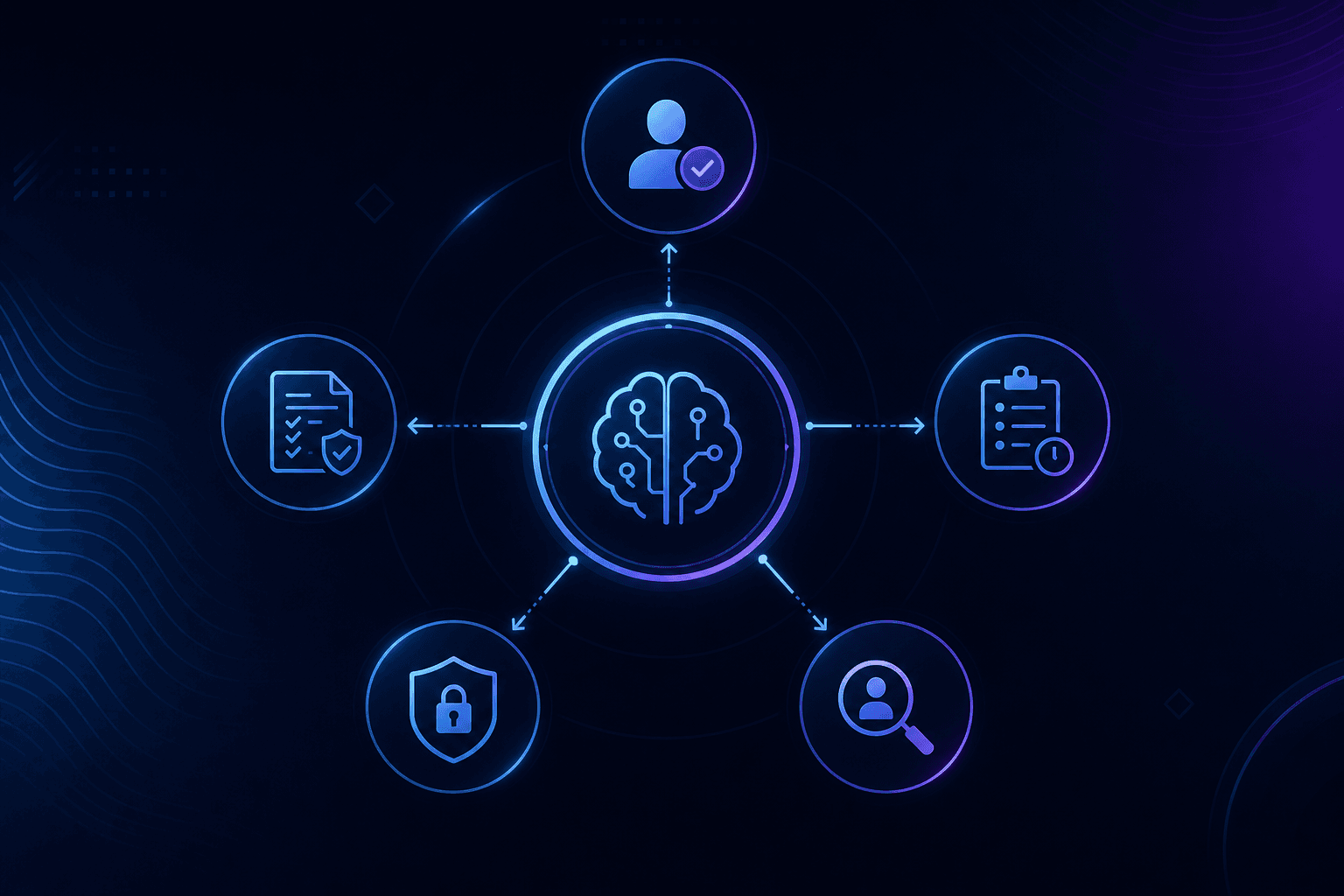
AI Governance for Business Automation: Why Human Approval, Audit Trails, and Clear Rules Matter
AI automation can save time and improve operations, but businesses need approval rules, audit trails, and clear boundaries before allowing AI agents to act.
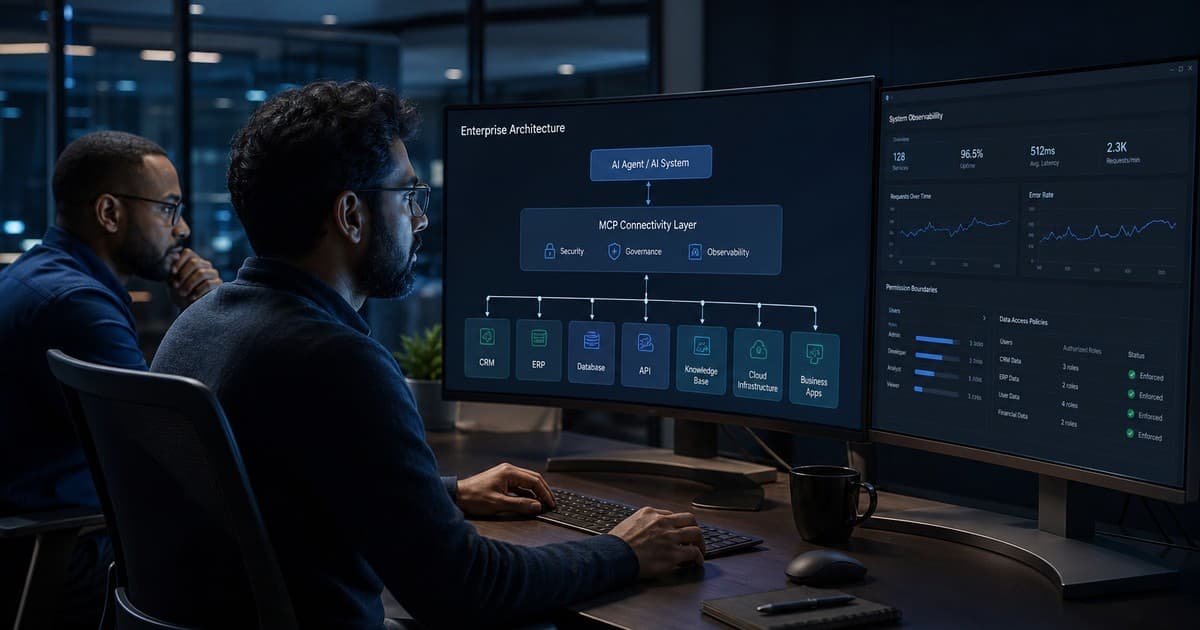
Model Context Protocol (MCP) for Enterprise AI: How to Connect AI Agents to Business Systems Safely
Model Context Protocol (MCP) gives businesses a standardized way to connect AI agents to CRM, ERP, and internal tools—but production use requires governance, least privilege, and clear security controls.